
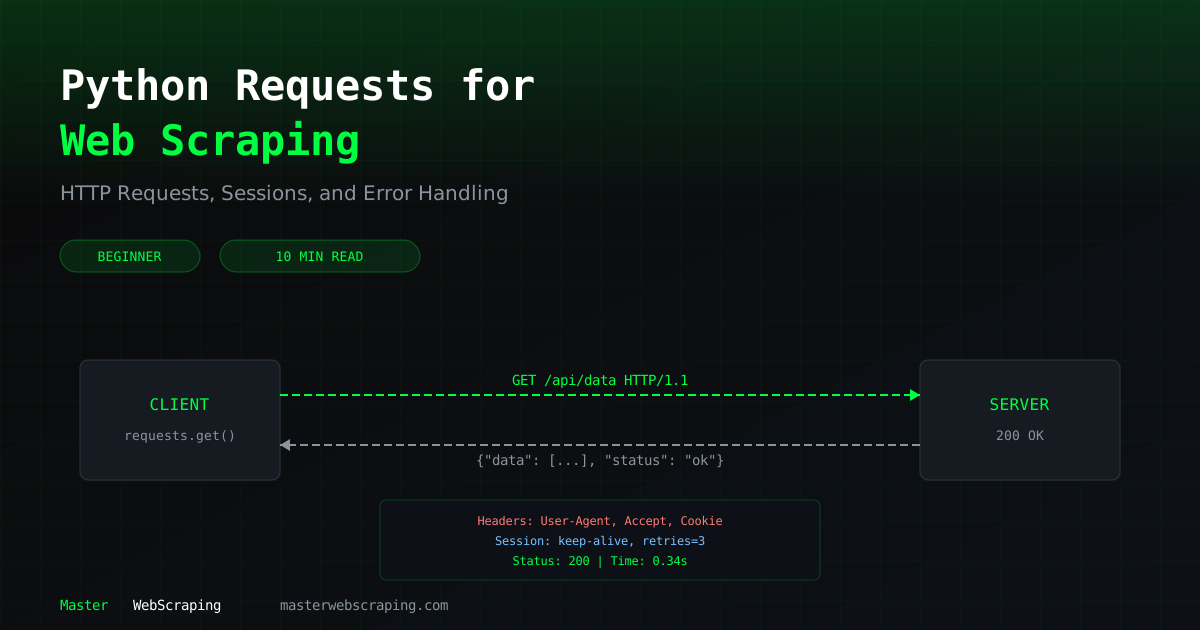
Python Requests for Web Scraping: Headers, Sessions & Cookies
The requests library is where most Python web scraping starts. Before you reach for Playwright or Scrapy, you should know how to make HTTP requests properly — with sessions, headers, cookies, and error handling.
This guide covers everything you need to use requests effectively for scraping.
Basic GET and POST Requests
import requests
# GET request — fetching a page
response = requests.get("https://httpbin.org/get")
print(response.status_code)  # 200
print(response.text)          # the response body
# POST request — submitting data
response = requests.post("https://httpbin.org/post", data={"key": "value"})
print(response.json())        # parsed JSON response
Most scraping uses GET. You'll use POST when submitting forms or interacting with APIs that expect it.
Setting Headers and User Agents
Bare requests without headers are the easiest way to get blocked. Every request you send has a default user agent that screams "I'm a script."
headers = {
    "User-Agent": "Mozilla/5.0 (Windows NT 10.0; Win64; x64) AppleWebKit/537.36 (KHTML, like Gecko) Chrome/125.0.0.0 Safari/537.36",
    "Accept": "text/html,application/xhtml+xml,application/xml;q=0.9,*/*;q=0.8",
    "Accept-Language": "en-US,en;q=0.5",
    "Accept-Encoding": "gzip, deflate, br",
}
response = requests.get("https://example.com", headers=headers)
At minimum, always set a realistic User-Agent. The other headers make your requests look more like a real browser.
Using Sessions for Cookies
A Session object persists cookies across requests — exactly like a browser does. This is essential for sites that require login or track state.
session = requests.Session()
# First request sets cookies
session.get("https://example.com")
# Subsequent requests automatically include those cookies
response = session.get("https://example.com/dashboard")
# You can also set default headers for the session
session.headers.update({
    "User-Agent": "Mozilla/5.0 (Windows NT 10.0; Win64; x64) Chrome/125.0.0.0",
})
# All requests through this session now use these headers
response = session.get("https://example.com/api/data")
Sessions also reuse TCP connections, making multiple requests to the same host faster.
Handling Redirects
By default, requests follows redirects automatically. Sometimes you want to control this.
# Follow redirects (default behavior)
response = requests.get("https://example.com/old-page")
print(response.url)  # shows the final URL after redirects
# Disable redirects to inspect them manually
response = requests.get("https://example.com/old-page", allow_redirects=False)
print(response.status_code)           # 301 or 302
print(response.headers["Location"])   # where it wants to redirect
Timeouts and Retries
Never make a request without a timeout. Without one, your scraper can hang forever on an unresponsive server.
from requests.adapters import HTTPAdapter
from urllib3.util.retry import Retry
# Simple timeout
response = requests.get("https://example.com", timeout=10)  # 10 seconds
# Retry strategy for production scrapers
session = requests.Session()
retries = Retry(
    total=3,               # retry up to 3 times
    backoff_factor=1,      # wait 1s, 2s, 4s between retries
    status_forcelist=[429, 500, 502, 503, 504],
)
session.mount("https://", HTTPAdapter(max_retries=retries))
session.mount("http://", HTTPAdapter(max_retries=retries))
# This will automatically retry on server errors
response = session.get("https://example.com/api/data", timeout=10)
The retry adapter handles flaky servers and rate limiting automatically. The backoff_factor adds exponential delays between retries.
POST Requests for Form Submission
Some sites require form submissions to access data. Use POST with the form fields:
# Form data (application/x-www-form-urlencoded)
response = requests.post("https://example.com/search", data={
    "query": "python web scraping",
    "page": 1,
})
# JSON data (application/json) — common for APIs
response = requests.post("https://example.com/api/search", json={
    "query": "python web scraping",
    "filters": {"category": "tutorials"},
})
Use data= for traditional form submissions and json= for API endpoints.
Downloading Files
Downloading images, PDFs, or other files is straightforward:
# Download a file
response = requests.get("https://example.com/report.pdf", stream=True)
with open("report.pdf", "wb") as f:
    for chunk in response.iter_content(chunk_size=8192):
        f.write(chunk)
The stream=True parameter prevents loading the entire file into memory. Important for large files.
Response Handling
Different endpoints return different formats. Here's how to handle each:
response = requests.get("https://example.com/page")
# HTML content — pass to BeautifulSoup
html = response.text
# JSON response — parse directly
data = response.json()
# Binary content (images, PDFs)
binary = response.content
# Check encoding
print(response.encoding)  # utf-8, ISO-8859-1, etc.
# Force encoding if auto-detection fails
response.encoding = "utf-8"
html = response.text
| Property | Returns | Use Case |
|---|---|---|
.text | String (decoded) | HTML pages |
.json() | Dict/List | API responses |
.content | Bytes | Files, images |
.status_code | Integer | Error checking |
.headers | Dict | Content-type, cookies |
Error Handling Patterns
Production scrapers need proper error handling. Here's the pattern I use:
import requests
import time
def fetch_page(url, session, max_retries=3):
    """Fetch a URL with error handling and manual retry logic."""
    for attempt in range(max_retries):
        try:
            response = session.get(url, timeout=10)
            response.raise_for_status()  # raises exception for 4xx/5xx
            return response
        except requests.exceptions.HTTPError as e:
            if response.status_code == 429:
                wait = 2 ** attempt  # exponential backoff
                print(f"Rate limited. Waiting {wait}s...")
                time.sleep(wait)
            else:
                print(f"HTTP error {response.status_code} for {url}")
                return None
        except requests.exceptions.ConnectionError:
            print(f"Connection failed for {url}. Retrying...")
            time.sleep(1)
        except requests.exceptions.Timeout:
            print(f"Timeout for {url}. Retrying...")
    return None
Always use raise_for_status() to catch HTTP errors. It's easy to miss a 403 or 500 if you only check for exceptions.
What's Next
The requests library handles 80% of scraping tasks. For JavaScript-rendered pages, you'll need Playwright. For large-scale scraping, you'll want proxy rotation and concurrent requests.
The Master Web Scraping course builds on these fundamentals with real-world projects that put them all together.