
How to Scrape E-Commerce Product Data with Python
E-commerce sites are one of the most common scraping targets. Price monitoring, competitive analysis, product research — it all starts with extracting product data reliably.
This guide walks through scraping product information from e-commerce sites, from inspecting the page to storing structured data.
What Data to Extract
A typical product scrape collects:
- •Product name and description
- •Price (current, original, discount percentage)
- •Ratings and review counts
- •Images (URLs, not the files themselves)
- •Specifications (size, weight, material, etc.)
- •Availability (in stock, out of stock)
- •SKU or product ID (for deduplication)
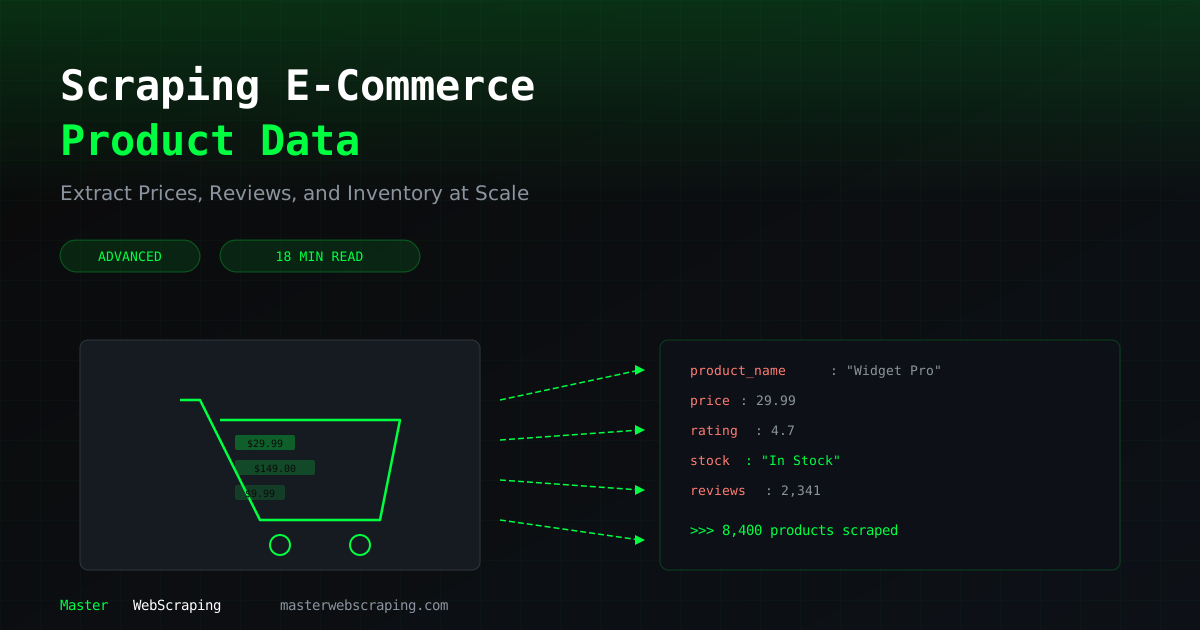
product = {
    "name": "",
    "price": 0.0,
    "original_price": 0.0,
    "rating": 0.0,
    "review_count": 0,
    "image_url": "",
    "specs": {},
    "in_stock": True,
    "url": "",
}
Inspecting Site Structure with DevTools
Before writing any code, spend five minutes in Chrome DevTools.
- 1.Right-click on a product name and select "Inspect"
- 2.Note the element tag and class names (e.g.,
) - 3.Check the Network tab — does the page load data via an API call?
- 4.Look at multiple products to confirm the structure is consistent
Building the Scraper Step by Step
import requests
from bs4 import BeautifulSoup
import time
import json
headers = {
    "User-Agent": "Mozilla/5.0 (Windows NT 10.0; Win64; x64) AppleWebKit/537.36 (KHTML, like Gecko) Chrome/125.0.0.0 Safari/537.36",
}
def scrape_product_page(url):
    """Scrape a single product page and return structured data."""
    response = requests.get(url, headers=headers, timeout=10)
    response.raise_for_status()
    soup = BeautifulSoup(response.text, "lxml")
# Extract product details
    product = {
        "url": url,
        "name": extract_text(soup, "h1.product-title"),
        "price": extract_price(soup, ".current-price"),
        "original_price": extract_price(soup, ".original-price"),
        "rating": extract_float(soup, ".star-rating"),
        "review_count": extract_int(soup, ".review-count"),
        "image_url": extract_attr(soup, ".product-image img", "src"),
        "in_stock": "out of stock" not in soup.get_text().lower(),
    }
return product
def extract_text(soup, selector):
    el = soup.select_one(selector)
    return el.get_text(strip=True) if el else ""
def extract_price(soup, selector):
    el = soup.select_one(selector)
    if not el:
        return 0.0
    text = el.get_text(strip=True)
    # Remove currency symbols and parse
    cleaned = text.replace("$", "").replace(",", "").strip()
    try:
        return float(cleaned)
    except ValueError:
        return 0.0
def extract_float(soup, selector):
    el = soup.select_one(selector)
    if not el:
        return 0.0
    try:
        return float(el.get_text(strip=True))
    except ValueError:
        return 0.0
def extract_int(soup, selector):
    el = soup.select_one(selector)
    if not el:
        return 0
    text = el.get_text(strip=True).replace(",", "")
    digits = "".join(c for c in text if c.isdigit())
    return int(digits) if digits else 0
def extract_attr(soup, selector, attr):
    el = soup.select_one(selector)
    return el.get(attr, "") if el else ""
Helper functions keep the main scraping logic clean and handle missing elements without crashing.
Handling Product Variants
Products often have multiple variants — different sizes, colors, or configurations. These are usually loaded via JavaScript or hidden in the page source.
import json
import re
def extract_variants(soup):
    """Extract variant data from embedded JSON in the page."""
    # Many e-commerce sites embed product data in a script tag
    scripts = soup.select("script")
    for script in scripts:
        text = script.string or ""
        if "variants" in text or "productData" in text:
            # Try to extract JSON from the script
            match = re.search(r'productDatas*=s*({.*?});', text, re.DOTALL)
            if match:
                data = json.loads(match.group(1))
                return data.get("variants", [])
    return []
Look for
$ need_help?
We're here for you